Lifeline Recertification 2026: USAC Renewal Steps & Required Documents
A renewal notice does not automatically mean you lost eligibility. Here is what to check, what to send, and how to keep track of your response.
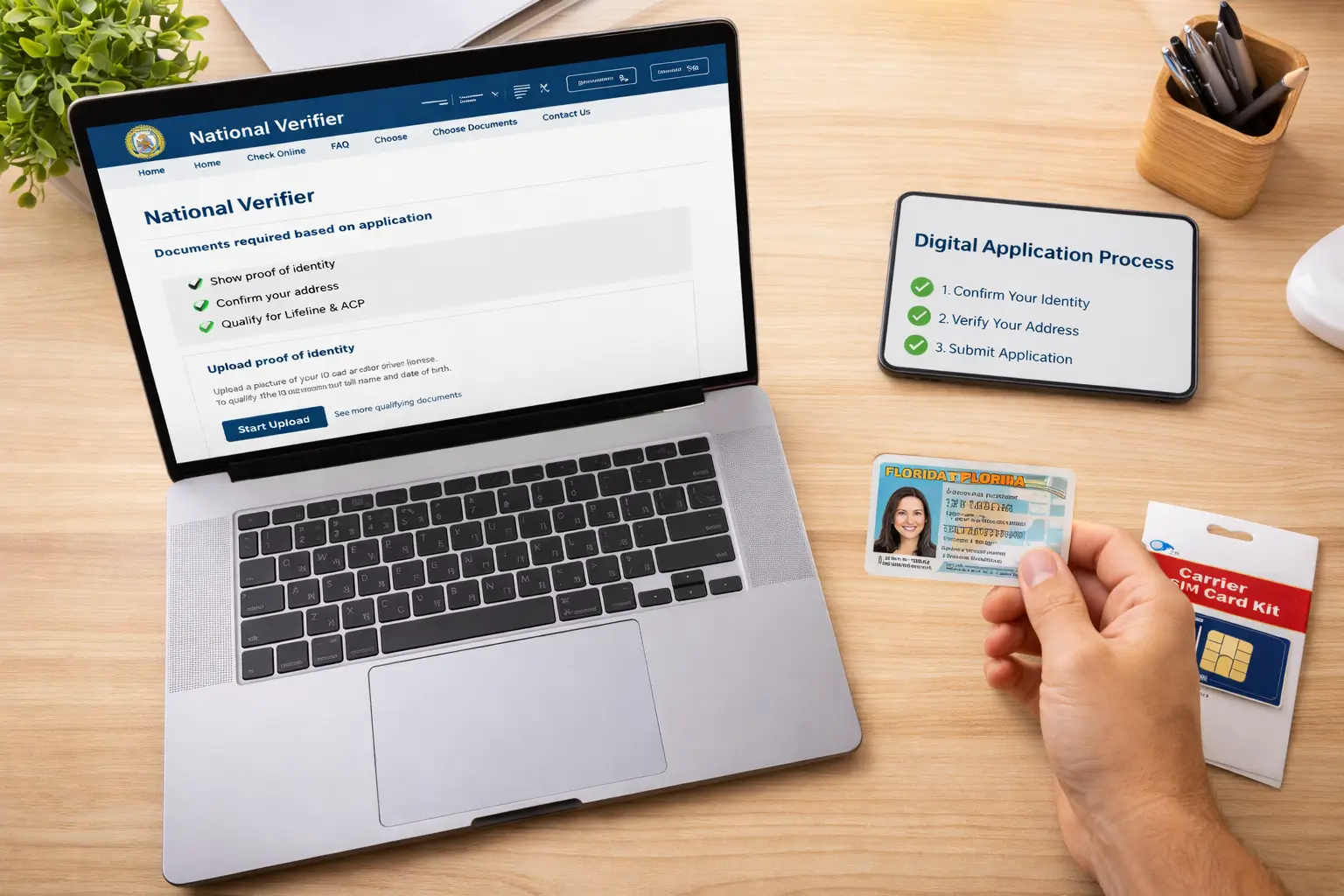
The National Verifier first checks available records. If it cannot confirm continued eligibility, USAC asks the subscriber to recertify. The steps below focus on that notice-based process, without steering readers to a third-party application form.
Quick answer: Lifeline recertification is an annual check that confirms a subscriber still meets the program’s rules. If USAC verifies your eligibility automatically, you do not need to complete a separate renewal form. If you receive a recertification notice, you generally have 60 days to respond. Depending on the notice, you may renew online, by phone, or by mailing FCC Form 5630 with supporting documents when requested. Lifeline Support explains the official renewal options.
Who actually needs to recertify in 2026?
There are two very different situations. In the first, USAC’s National Verifier checks eligibility through available program databases and confirms that a subscriber still qualifies. That person does not have to send another form just because a year has passed. In the second, the automated data check cannot confirm eligibility. USAC then contacts the subscriber to complete the renewal process.
The second situation is easy to misunderstand. A failed automated match is not the same as proof that a person is ineligible. A benefits database may not have the expected record, a program letter may need updating, or additional documentation may be required. The important thing is to answer the official notice rather than assume the discount will continue on its own.
USAC’s National Verifier recertification overview describes the automated check, the 60-day window, and the cases that require both Form 5630 and proof of eligibility.
National Verifier recertification: the four-part process
- 1Automated checkUSAC looks for a current eligibility match.
- 2Notice if neededSubscribers who need to act receive instructions and a deadline.
- 3Send responseComplete the authorized online, mail, or eligible phone process.
- 4Confirm statusKeep records and follow up with Lifeline Support if needed.
Keep this distinction in mind when reading your letter: some notices ask only for a signed recertification, while others request current documents. Those are not interchangeable. A phone renewal that is available to one subscriber may not be available to someone whose eligibility evidence needs manual review.
How to renew your Lifeline benefit step by step
1. Read the notice and write down your deadline
Look for the date by which USAC needs your response, the application ID, and any list of requested documents. Check both postal mail and the email address you provided. USAC may send reminders during the 60-day period, but waiting for a second letter can waste valuable time.
Save a photograph or copy of the letter for reference. The application ID matters if your notice allows the automated telephone option. If the notice does not look genuine, go directly to Lifeline Support’s official recertification page to check the process, rather than entering your information through a link in an unexpected message.
2. Find out whether documents are required
Do not guess from another person’s experience. One subscriber may only need to confirm information already on file. Another may need to demonstrate continued participation in SNAP or Medicaid, or provide income records. The notice tells you what USAC could not confirm. Collect the specific evidence it requests before choosing how to respond.
If you qualify through an assistance program, use a current program notice rather than a screenshot with the program name cropped out. If you qualify through income, check whether the records show the correct household and time period. The USAC documentation guide explains what a program or income document needs to show.
3. Choose the renewal method available on your notice
The normal choices are online, mail, and a limited phone option. Online renewal goes through the official National Verifier consumer process using the directions in the notice. Mailing requires the provided recertification form and copies of any required proof. Phone recertification is restricted to cases that do not require supporting documents.
| Method | What you need | Best point to remember |
|---|---|---|
| Online | Your recertification notice and any requested proof documents. | Use the official portal instructions provided by USAC; the result may appear immediately. |
| By mail | Barcoded FCC Form 5630 and copies of supporting documents, if required. | Leave time for delivery. You may need to call for a status update after mailing. |
| By phone | Application ID from your letter; only for eligible form-only renewals. | Not available when proof documentation must be submitted. |
4. Send copies, not original documents
USAC recommends copies of documentation rather than originals. If uploading online, check that all corners of the document are visible and that the name, program, date, and issuing agency can be read. If mailing, use the instructions from your own packet and keep a copy of what you sent.
The official Lifeline Support mailing destination shown for recertification is Lifeline Support Center, PO Box 1000, Horseheads, NY 14845. Confirm that address against the current USAC consumer instructions before mailing sensitive material. Do not send identity or benefit documents to Valid Wireless.
5. Check the result and save the confirmation
Online and eligible automated-phone renewals can return a result immediately. Mailed submissions do not necessarily come with a separate receipt notice. If you are unsure whether the paperwork arrived or your response was accepted, call Lifeline Support or contact your current service provider using its published support channels.
The official automated recertification line is (855) 359-4299 for eligible form-only renewals using the letter’s application ID. Lifeline Support can be reached at (800) 234-9473. For information about recertifying with a Tribal ID, USAC also directs people to that support number. These numbers are published on Lifeline Support; always verify contact details on the official page before sharing personal information.
Which documents can USAC ask for?
The exact list depends on why the automated data check could not complete your renewal. A person who receives Medicaid may need a current program award notice, while a person qualifying through household income may be asked for pay records, a tax return, or another accepted proof. The document should establish the same eligibility basis the subscriber is relying on.
| Reason for eligibility | Examples of relevant proof | What to check before sending |
|---|---|---|
| SNAP, Medicaid, SSI, FPHA or Veterans/Survivors Pension | Recent benefit statement, eligibility letter, or official program record. | Recipient name, qualifying program, issuing agency, and an acceptable issue or expiration date. |
| Household income | Prior-year tax return, employer income statement, qualifying pay stubs, benefit or pension statement. | If documents do not cover a full year, USAC may require three consecutive months of the same type of proof. |
| Identity or record mismatch | Accepted official identification or documents showing the requested date-of-birth or identity details. | Respond to the specific mismatch stated in the notice; do not send unrelated records. |
| Eligible Tribal program | Current documentation from the recognized Tribal or federal benefit program. | Confirm the program is accepted and that the notice requests that proof. |
USAC says program-participation proof normally needs the beneficiary’s name, the qualifying program, the issuer, and a suitable date. If income documents are not annual, three consecutive months of the same type of proof may be required. Read the precise requirements at USAC’s Resolve Application Errors page. It is a useful reference for document problems, not a reason to upload every document you own.
- The name on the notice matches your own eligibility records.
- Your letter’s deadline has not already passed.
- The form is signed wherever required, and you are using the requested version.
- Copies are legible, complete, and show dates or official agency information.
- You are using a USAC, Lifeline Support, or applicable state administrator destination.
What does the 2026 income limit mean for renewal?
If you qualify through household income rather than a government program, USAC generally uses 135% of the Federal Poverty Guidelines. These limits depend on household size and whether you live in Alaska, Hawaii, or another state or territory. They change each year, so an older figure may no longer be reliable.
For a four-person household in the 48 contiguous states or DC, USAC’s 2026 annual income threshold is $44,550. If the household has $42,000 in gross annual income, that amount falls below the published threshold. However, this calculation alone does not renew the benefit; USAC may still need documents, and the household must meet the other program requirements.
For the same four-person household, the published 2026 threshold is $55,688 in Alaska and $51,233 in Hawaii. You can compare all household sizes using the 2026 Lifeline income calculator on our homepage and confirm the official table on USAC Consumer Eligibility.
What if you miss the recertification deadline?
USAC says a subscriber who does not complete a required recertification within the 60-day window can be automatically removed from the Lifeline program. That means the monthly discount may stop, the bill may rise, or the provider may change the status of a service plan. This is different from losing a phone model or missing a promotional device offer.
According to USAC’s recertification process, notice of the unsuccessful renewal follows the close of the window, and de-enrollment is processed after the stated period. Do not rely on that administrative processing time as an extra opportunity to respond. Treat the deadline in your letter as the controlling date.
If the discount was removed and you believe you still qualify, Lifeline Support explains that you may need to submit a new official eligibility application. Your current carrier can also explain the status of your existing service. For a broader explanation of official and provider responsibilities, see How Lifeline Works.
Oregon, Texas and California: don’t assume the same renewal route
Most readers will follow the National Verifier process described above, but Oregon and Texas have state-specific eligibility administration. Lifeline Support directs subscribers in those states to their state’s recertification arrangements. If your notice comes from the state program, follow that program’s published instructions instead of assuming a generic USAC online form applies.
California also requires special attention in 2026. USAC announced a continued-eligibility process beginning August 6 for certain federal subscribers whose eligibility was previously determined by the California Public Utilities Commission. USAC stated that this process fulfills the 2026 recertification requirement for affected subscribers. California consumers who received that specific notice should follow its instructions and deadline. See USAC’s August 6, 2026 announcement.
If you are not sure who manages the case, start with the notice rather than a random state benefit page. Verify the sender with the carrier or USAC using known official contact details before providing documents.
How to avoid fake renewal requests
A real recertification request should send you through an official program or state administrator channel. Be cautious of a text that promises to “renew your free iPhone” for a processing charge, demands an immediate transfer of your Lifeline benefit, or asks for Social Security details through an unrelated website. Lifeline discounts qualifying service; it is not a federal device giveaway.
Never send a SNAP award letter, identity card, or other sensitive document to an online guide simply because it publishes an eligibility calculator. Valid Wireless does not receive renewal paperwork. Our consumer protection guide explains how to verify application and provider messages before responding.
If the reason for losing a benefit is unclear, separate the possible causes: missing recertification, an eligibility issue, a service-use requirement, or a carrier account problem. A SafeLink Wireless review or our Assurance versus SafeLink comparison can help explain provider terms, but only the responsible program and carrier can confirm an individual subscriber’s status.
Common questions about Lifeline recertification
Do I have to renew Lifeline every year even if nothing changed?
Eligibility is checked every year. However, if the automated National Verifier check confirms you still qualify, USAC says you do not need to complete a new recertification form. Respond if you receive an official notice requiring action.
Can I recertify by phone instead of uploading documents?
Only certain form-only renewals qualify for telephone recertification. If USAC asks for eligibility proof, you must use an accepted submission method that lets you provide the required documents.
Which form is used for annual recertification?
USAC uses FCC Form 5630, the Annual Recertification Form. When mail renewal is needed, the agency supplies a barcoded version. Blank forms and language options are listed on Lifeline Support’s official Tools page.
What if I changed my address or benefits program?
Keep your service provider informed of important account changes and review any mismatch noted by USAC. The proof needed may differ from the document used at your first enrollment. Do not assume an old approval letter is still sufficient.
Does the National Verifier guarantee that my phone will stay active?
No. The National Verifier checks eligibility for the Lifeline discount. The provider administers the service account and its plan terms. Contact the provider about the phone line, payment status, or device issue.
Can I reapply if I already lost the Lifeline benefit?
Lifeline Support says a person who loses the benefit but still qualifies may reapply through the official process. A new application must meet the current eligibility rules and may require updated records.
Official sources used for this guide
These are the primary sources for renewal timing, forms, documentation, state exceptions, and income thresholds. Check the pages if you need a newer instruction than the one shown here.
- Lifeline Support: Recertify — consumer methods, phone numbers, official mailing address, and missed deadlines.
- USAC: National Verifier Recertification — automated checks, Form 5630, and the 60-day process.
- USAC: Resolve Application Errors — acceptable program, income, and identity documentation.
- Lifeline Support: Forms and Tools — English and Spanish recertification forms and documentation guides.
- USAC: Consumer Eligibility — official 2026 income guidelines and accepted programs.
Editorial note: Valid Wireless is an independent consumer information publication and is not the FCC, USAC, a state Lifeline administrator, or a wireless carrier. Information was reviewed against USAC and Lifeline Support publications on October 30, 2026. State administration, verification records, and individual notices can differ; the official program is responsible for eligibility decisions.